

Have you ever scrolled through your apps and wished yours looked a little different? You can change the Snapchat icon without premium options, making it easier to express yourself visually.
As fans of Snapchat Planets know, personalization is key in today’s digital age, and snapping those familiar Snap planets into a fresh icon can add flair to your home screen. Discover how you can effortlessly transform your Snapchat experience with a simple tweak!
What Is Snapchat+ And Why Does It Matter?
Snapchat+ is a premium version of the popular app, launched to cater to its most dedicated users. Priced at $3.99 per month, it offers exclusive features that enhance the Snapchat experience.
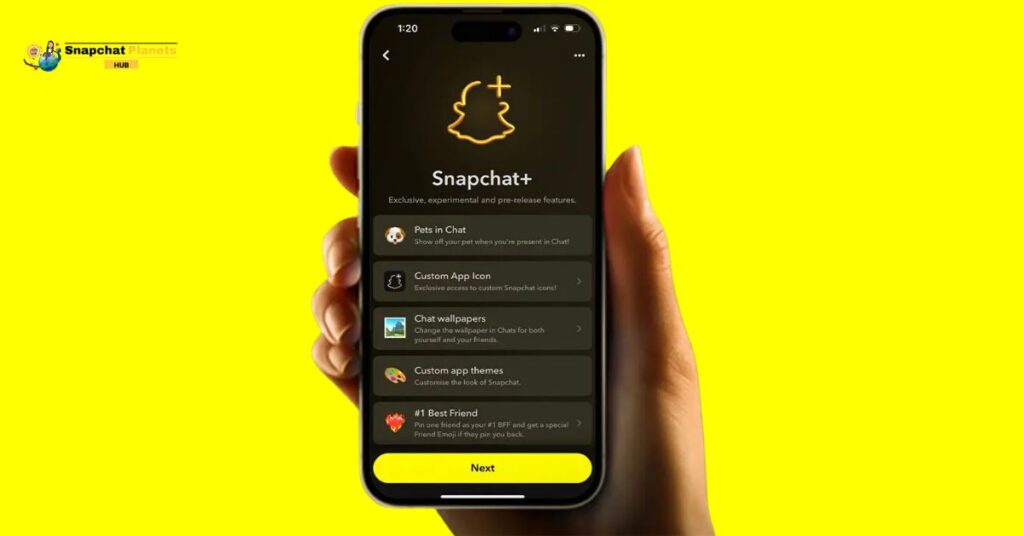
The standout perks is the ability to customize the Snapchat icon, allowing users to personalize their app and make it uniquely theirs. In addition to this, subscribers gain access to advanced tools and exclusive content, making the platform even more engaging.
How To Change The Snapchat Icon With Snapchat+
Changing your Snapchat app icon with Snapchat+ is a fun way to personalize your experience.
- Start by opening the Snapchat app.
- Tapping on your Bitmoji in the top-left corner to bring up your profile.
- At the top, you’ll spot your Snapchat+ membership card.
- From there, selecting “App Icon” opens a treasure trove of design options.
- You can choose from various icons, including those featuring vibrant gradients or themed country flags that reflect your style.
- Once you’ve picked an icon you love, it might not show up immediately.
- You may need to restart your device to see the change.
This simple customization adds a unique touch to your home screen, making your Snapchat experience more personalized.
How To Change The Snapchat Icon Without Premium
Changing your Snapchat icon without needing a paid subscription is easier than you might think. By using a free app called X Icon Changer, available on both Android and iOS, you can customize your Snapchat experience to reflect your style.
- Simply download the app.
- Locate Snapchat from the list of installed applications, and you’re on your way to a unique look.
- Once you’re in the app, you can either upload your own image or explore a library filled with creative icons.
- Choose the one that resonates with you and tap “OK” to finalize the changes.
- Be sure to grant any necessary permissions so the app can modify your icons effectively.
Why Choose Snapchat+ Over the Free Method?
Using X Icon Changer lets you change your Snapchat icon for free, but Snapchat+ offers more options. With a subscription, you get special icons like colorful gradients and fun flags that other apps don’t have. This makes your app look unique and improves your experience.
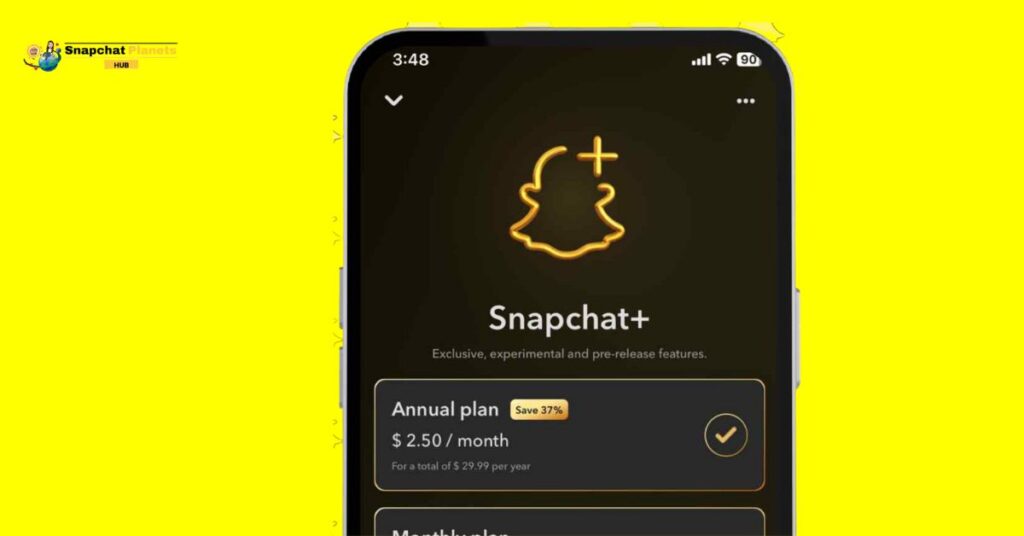
Snapchat+ Features:
- No ads for a smoother experience.
- Ghost Trails show where friends have been.
- Rewatch indicators highlight snaps you’ve seen before.
- Extra features for active Snapchat users.
- More ways to connect with friends and express creativity.
Extra Tips For Customizing Your Snapchat Experience
Keeping your Snapchat experience fresh and personalized can be fun and easy!
Update your Bitmoji
Keep your Snapchat fun and unique! Update your Bitmoji to match your style or mood. A matching Bitmoji and app icon make your profile stand out. You can change your Bitmoji in your profile settings. A new avatar helps you connect with friends better.
Custom Shortcut:
Create a custom shortcut for Snapchat on your home screen using an app like X Icon Changer. Choose an icon that fits your style for a personal touch. It also makes it easier to open Snapchat. These simple changes can boost your Snapchat experience and help you express yourself!
Conclusion
To change the Snapchat icon without premium is a fun and straightforward process. With the tips we’ve discussed, you can easily customize your app to reflect your unique style. It’s a great way to make your Snapchat experience even more enjoyable.
Keep in mind that trying out different methods may lead you to discover new icons that you love. So, go ahead, get creative, and change the Snapchat icon without premium now!
FAQs
Will changing the icon affect my Snapchat app’s functions?
No, changing the icon only changes its appearance; the app functions the same.
Can I change the icon back to the original?
Yes, you can easily return to the original Snapchat icon anytime.
Can I customize other app icons too?
Yes, you can customize icons for other apps using similar methods or third-party apps.