

Did you know that Snapchat has a fun feature that makes remembering your friends’ birthdays easier? With the rise of Snapchat planets and Snap planets, keeping track of special dates has never been more engaging.
How to look up birthdays on snapchat? Here, you’ll discover three easy ways to check birthdays on Snapchat, ensuring you never miss an important celebration again.
Understanding these features enhances your experience on the app and also strengthens your relationships by showing you care.
Why Birthdays Matter On Snapchat
Celebrating birthdays on Snapchat might not come with built-in reminders, but recognizing your friends’ special days enhances your social experience significantly.
Sending timely birthday snaps and messages allows you to connect and share genuine moments that can make someone’s day feel extra special.
Participating in Snapchat’s birthday-specific features, like fun filters and lenses, adds a layer of creativity to your greetings, turning a simple message into a memorable interaction.
Easy Ways to Check Birthdays on Snapchat
When it comes to celebrating friends’ milestones on Snapchat, knowing their birthdays can enhance your connections. Following are the Easy Ways to Check Birthdays on Snapchat:
Method 1: Look For The Birthday Cake Emoji
How to see birthdays on snapchat? To spot birthdays on Snapchat, keep an eye out for the 🎂 birthday cake emoji beside your friends names. This handy visual cue pops up in the Chat section on their special day, making it super easy to remember and celebrate.
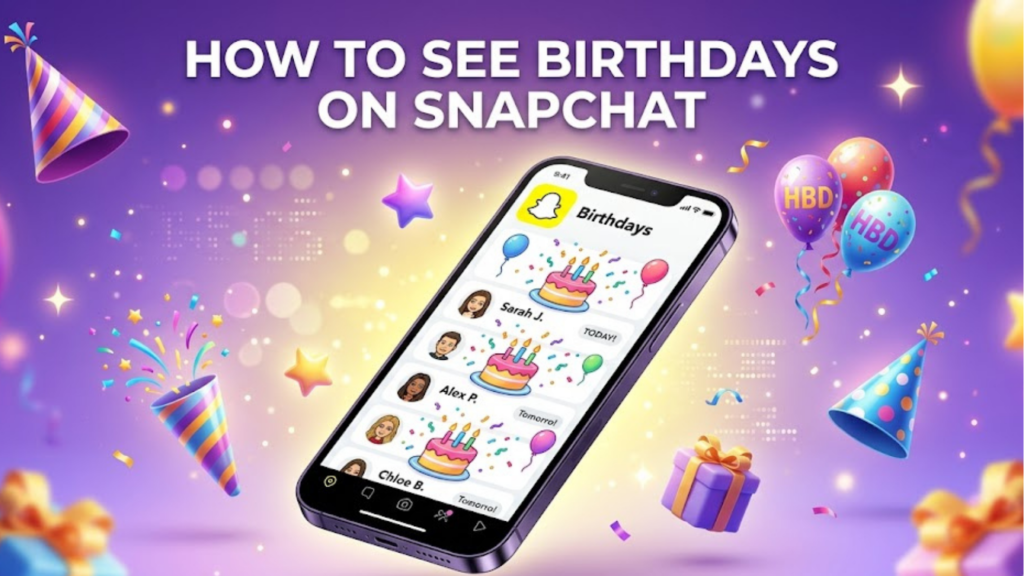
- Just open your Snapchat app.
- Navigate to the Chat area.
- Look for those sweet cake emojis.
- When you see one, tap on your friend’s name to open a chat.
- You’ll discover birthday decorations that make the conversation extra festive.
Remember, though, that the emoji only appears on the actual birthday, not before.
Method 2: Check A Friend’s Profile For Their Birthday
Want to get ahead of the birthday game? With Snapchat, you can easily check your friends’ birthdays directly from their profiles.
- Open the app and tap your Bitmoji in the top-left corner.
- From there, scroll down to “My Friends.”
- Select the friend whose birthday you’re curious about, and tap their name or Bitmoji.
- Below their Bitmoji, you’ll find their birthday date, listed in the month/day format.
This nifty trick helps you jot down those special days in your calendar, ensuring you never miss a celebration!
Method 3: Browse All Friends’ Birthdays
Another effective way to keep track of your friends’ birthdays on Snapchat is by browsing through your friends snapchat birthday list.
- Start by tapping your Bitmoji to access your profile.
- Then select “My Friends.”
- From there, you can scroll through the list and tap on each friend to check their birthday, conveniently displayed under their Bitmoji.
This method is straightforward, ensuring you don’t miss any special celebrations.
How To Set Or Change Your Birthday
If you’ve accidentally entered the wrong birthday when signing up or simply need to update it, fixing this is a breeze.

- Start by tapping your profile Bitmoji, which is like your personal avatar.
- Then, look for the gear icon that represents Settings.
- Once you’re in the settings menu, select “Birthday” and input your correct birth date.
- Finally, don’t forget to tap “Save” to keep those changes.
Why Your Birthday Matters On Snapchat
Your birthday information plays a significant role on Snapchat, impacting everything from age-appropriate content filters to birthday-specific features like special lenses.
When you share your birthday, Snapchat tailors your experience, ensuring that the content you see is suitable for your age.
Friends can celebrate your special day with unique filters and lenses designed just for you, enhancing the fun and connection.
Don’t forget that this information is also crucial for account recovery, if you ever have trouble accessing your account, your birthday can serve as an important security measure.
Troubleshooting Birthday Visibility
Why can’t i see someone’s birthday on snapchat? If you can’t see a friend’s birthday on social media, there are a few key reasons to consider.
- They may have adjusted their privacy settings to hide their birthday from certain friends or the public.
- It is also possible they haven’t entered their birthday at all, especially if they prefer to keep personal details private.
- Ensure your app is updated; outdated versions may not display current information correctly.
Read also: How To Change The My Ai Gender On Snapchat | Detailed Guide!
Conclusion
There are several easy ways to check birthdays on Snapchat that can help you celebrate your friends’ special days. You can start by looking for the birthday cake emoji, which pops up when it’s a friend’s birthday.
Another method is to visit a friend’s profile, where their birthday information is often available. You can browse through all your friends’ birthdays to avoid missing anyone’s big day.
So, now that you know these simple methods, be sure to keep track of your friends’ birthdays and send them a special message!
FAQs
Can you Check People’s Birthdays on Snapchat?
Yes, you can check friends’ birthdays if they have chosen to share that information on their profiles.
How do I Check Someone’s Birthday on Snapchat?
To check a friend’s birthday, go to their profile, and if they have added their birthday, it will be displayed there.
Can you see Someone’s Birthday on Snap Without Adding Them?
No, you need to be friends with someone to view their birthday information on Snapchat.
How can I Check Friends’ Birthdays?
You can view friends’ birthdays by going to the “Friends” screen, tapping on their Bitmoji or profile, and checking for their birthday status.