Did you know that as of 2026, there are more than a billion active users exploring their Snap planets every day? If you’ve decided that navigating this vibrant but chaotic digital universe isn’t for you anymore, knowing how to delete Snapchat account permanently is essential.
In this step-by-step guide, we’ll walk you through the straightforward process to rid yourself of Snap planets for good. By the end, you’ll have the confidence to take control of your online presence in this Snapchat planets.
Why Delete Your Snapchat Account?
If you’re considering deleting your Snapchat account, you’re not alone; a growing number of people are choosing to simplify their digital lives.
- In 2026, privacy concerns are more pressing than ever, prompting many users to rethink their social media presence.
- Taking a social media break can provide a refreshing perspective, allowing you to reconnect with offline interests or explore healthier online alternatives.
- Switching to other platforms that align more closely with your values can enhance your online experience without the distractions that Snapchat often brings.
- Deleting your account isn’t just about removing an app; it’s about reclaiming control over your personal data and mental well-being.
Backing Up Your Snapchat Data
Before you take the plunge to delete your Snapchat account permanently in 2026, it’s essential to back up your Snapchat data to ensure you don’t lose any cherished memories.

Download Snapchat Data on PC
- Start by downloading your Snapchat data on your PC: go to accounts.snapchat.com and log in.
- Navigate to “My Account” and select “My Data”; there, you’ll need to enter your email and click “Submit Request.”
- After a brief wait, check your email for a download link that may take a few hours to arrive.
- Once the link arrives, open the ZIP file to access your saved snaps, chats, and profile info.
Download Snapchat Data on Phone (Android/iPhone)
- Start by opening Snapchat and tapping your profile icon in the top-left corner.
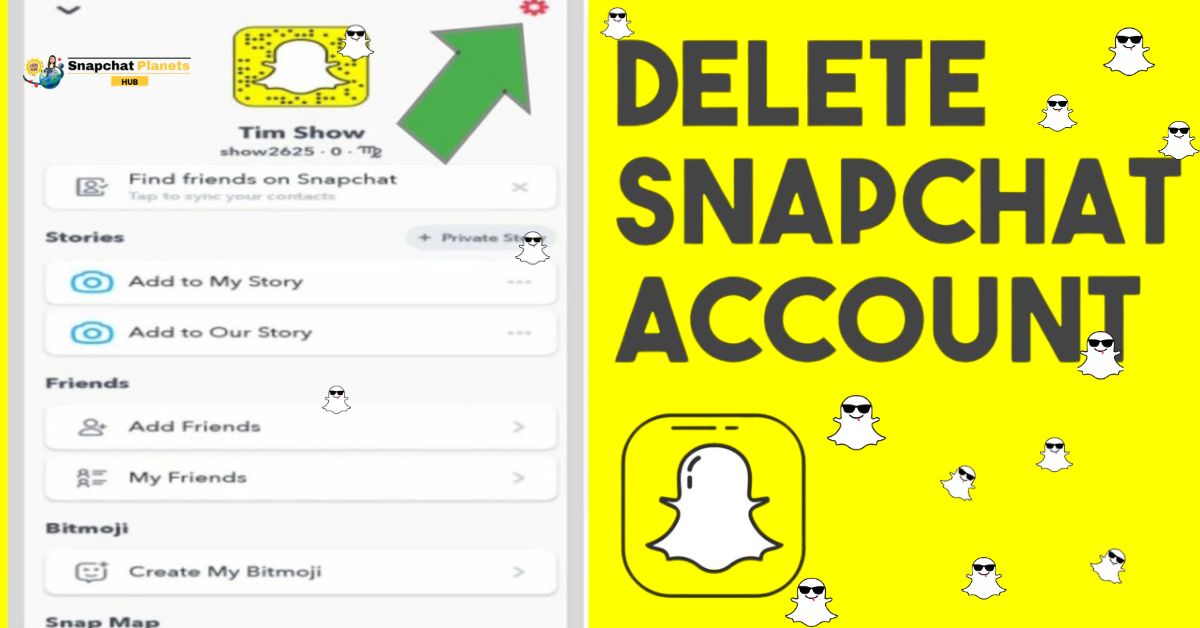
- From there, tap the Settings gear in the top-right corner, where you’ll need to scroll down to “Account Actions” and select “My Data.”
- This simple navigation leads you to a crucial step enter your password and, if prompted, your verification code to ensure account security.
- After entering your backup email, all that’s left is to wait for the email containing your download link.
How to Delete Snapchat Account Permanently
Deleting a Snapchat account permanently can feel daunting, yet it offers a liberating chance to reclaim your digital space.
Delete Snapchat on Android/iPhone
- Start by opening the app and navigating to Settings by tapping the gear icon.
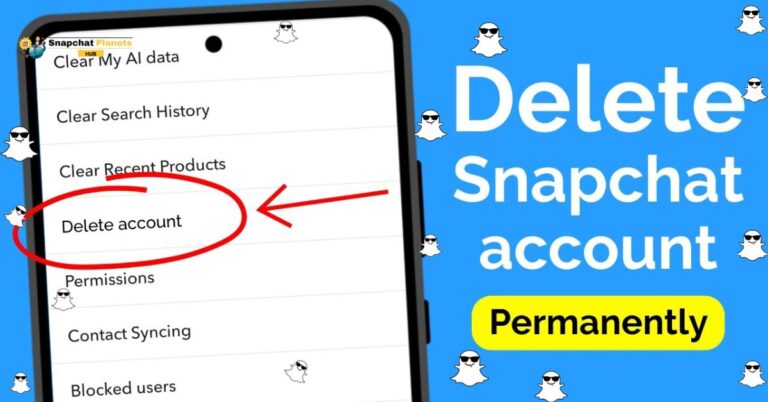
- Once there, scroll down to “Account Actions” and select “Delete Account.”
- It’s crucial to have your username and password handy, as you’ll need to enter these credentials to verify your identity.
- After entering the required information, simply tap “Continue” to initiate the deletion process.
What happens next?
- When you confirm your choice, your account enters a 30-day deactivation period, during which time you can still change your mind.
- If you log in during these 30 days, your account will reactivate automatically, bringing back all your snaps and memories as if you never left.
- It’s important to consider what this means for your saved memories: after 30 days, your account and all data will be gone forever.
Delete Snapchat on PC/Web
- Start by visiting accounts.snapchat.com and logging in with your credentials.
- Once you’re in, navigate to “Account Settings” and select the option labeled “Delete Account.”
- This straightforward process requires you to enter your login details again for verification.
- After you confirm, your account will be scheduled for deletion, which usually takes about 30 days to process.
What Happens After I Delete my Snapchat Account?
When you decide to delete Snapchat, the immediate thought may be about severing ties with the app, but it’s worth exploring the lingering effects that follow.
First 30 Days:
- When you delete your Snapchat account permanently, your account becomes hidden but recoverable for the first 30 days.
- During this grace period, friends won’t see your profile in their list, giving you an unobtrusive break from the platform.
- If you have second thoughts about your decision, you can still log in to reactivate it, allowing you to regain access with all your previous memories and friends intact.

After 30 Days:
- After 30 days, everything is erased: snaps, chats, stories, and memories associated with your account will be completely wiped from Snapchat’s servers.
- This means that once the grace period ends, there’s no turning back; your digital footprints in the form of saved messages and shared experiences will vanish.
- your username becomes unavailable, even to you, making it impossible to reclaim it.
- For your friends, the implications are just as significant, as they lose all saved chats and any saved media associated with your interactions.
Can You Recover a Deleted Snapchat Account?
Recovering a deleted Snapchat account is often a topic of intrigue for users who may have accidentally wiped their digital identity.
Yes (Within 30 Days)
If you’ve had a change of heart and decide to recover your account within that 30-day window, the process is equally simple. Just log in with your username and password, and your account will be restored instantly.
No (After 30 Days)
It’s essential to understand that once this period elapses, your account has been permanently deleted.
At that point, all your memories, messages, and friends are irretrievably lost; you will need to create a new account if you want to return.
Conclusion
How to Delete Snapchat Account Permanently? Permanently deleting your Snapchat account is a straightforward process that can help you regain control over your online presence in Snapchat plus planets. By following the step-by-step guide outlined above, you can ensure that your data is securely removed from Snapchat’s servers.
Remember to think carefully before taking this step, as it will erase all your memories, friends, and unique snaps. If you’re sure about your decision, proceed with confidence, knowing that you are prioritizing your digital well-being. Don’t hesitate to share this guide with friends who may also be contemplating a similar choice.
FAQs
How do I Delete my Snapchat Account Forever?
To delete your Snapchat account, visit the Snap account portal, log in, and follow the prompts to delete your account. Make sure to provide your username and password.
Why is Snapchat not Letting me Delete my Account?
If you’re having trouble, ensure your app is up-to-date or try logging in on the website. Sometimes, maintenance or technical issues can temporarily restrict account deletion.
How long Before a Snapchat Account is Permanently Deleted?
Snapchat initially deactivates your account for 30 days. If you don’t log back in during that period, your account will be permanently deleted after this time.
Do Snapchats Permanently Delete?
Yes, Snaps are designed to disappear after being viewed or after 24 hours in Stories. However, some data may still be stored on servers for a limited time.