Ever felt lost navigating the vast and dynamic universe of Snapchat? Just like celestial bodies, Snapcodes orbit within the Snapchat solar system, providing unique connections to friends, brands, and creators.
In this article, we’ll unpack the mysteries of Snapchat Snapcode — how to scan them and the significant benefits of using them to explore Snapchat planets. With insights into the Snapchat planet order, you’ll gain valuable strategies to elevate your social interaction and creativity.
What Is A Snapchat Snapcode?
A Snapchat Snapcode is a unique visual identifier for your Snapchat account, resembling a QR code but designed specifically for the platform. It’s a yellow square filled with dots and a playful ghost logo at its center.
When someone scans your snapchat code through the app, they instantly access your profile, making it easy for them to send you a friend request without having to type in usernames. This streamlined process simplifies connecting with friends, whether you’re sharing it in person or on social media.
How To Find And Save Your Own Snapcode
To find your Snapcode,

- Open your Snapchat app and tap on your profile icon in the top left corner.
- You’ll see a cheerful yellow box with a ghost symbol beside your name, this is your unique Snapcode!
- Tap on it, and you’ll be given the option to “Save to Camera Roll,” allowing you to keep it handy for sharing with friends or using it in your other social media profiles.
How To Share A Friend’s Username With Another Friend
Sharing a friend’s username on Snapchat is a breeze, which makes connecting with others smoother than ever.
- First, head to your friend list or chat section to find the profile you want to share.
- Once you’re in their profile, tap on the three dots located in the top-right corner.
- From there, select “Send To,” and choose the friend you’d like to send the profile to.
- Just hit “Send,” and you’re done! This method saves time and prevents the hassle of typing out long usernames.
Methods To Scan Snapcodes On Snapchat
Scanning snap code on Snapchat is a quick and easy way to add friends and discover new content.
Using the Snapchat Camera
Using the Snapchat camera to scan Snapchat codes is a breeze and a fantastic way to connect with friends.
- Open the Snapchat app, and the camera will launch automatically.
- Point it at the Snapcode you want to scan, there’s no need to adjust any settings.
- Just tap on the screen if you want to, or patiently let Snapchat do its magic, detecting the code in seconds.
- Once scanned, you’ll see the profile pop up, allowing you to quickly add that friend with just a tap.
Scanning From Camera Roll Or Gallery
Scanning a snapchat snap code from your camera roll or gallery is a breeze, especially if a friend shares a Snapcode image through messages or social media.
- Open Snapchat.
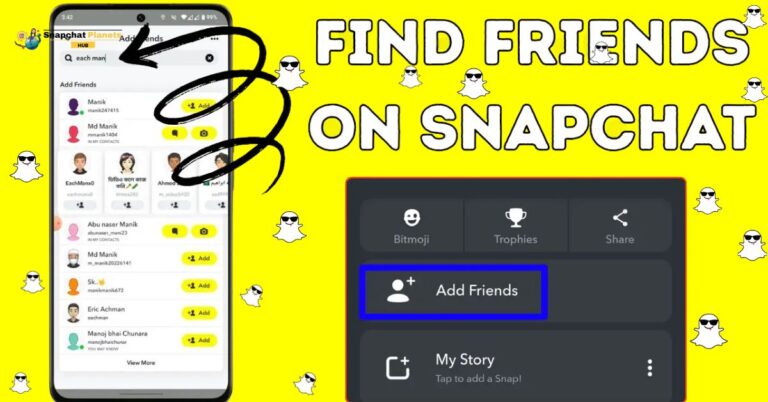
- Tap the Add Friend icon.
- Locate the ghost icon in the search bar.
- This opens your gallery, where you can find and select the Snapcode image you received.
- Snapchat automatically scans the Snapcode and takes you directly to your friend’s profile, allowing you to hit ‘Add Friend’ with just a tap.
How To Create A Custom Snapcode Using Uniqode
Creating a custom Snapcode with Uniqode is a straightforward way to enhance your Snapchat presence.
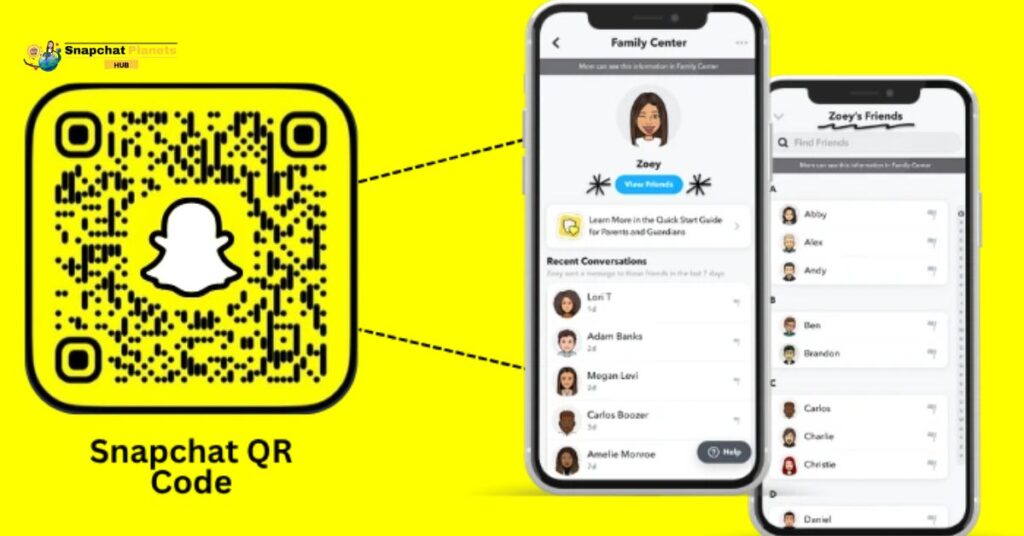
- Start by visiting the Uniqode website, where you’ll find the option to create a QR code.
- Choosing Snapchat from the list opens up a realm of creativity instead of a standardized Snapcode, you can input your Snapchat profile link to begin crafting a truly unique identifier.
- Customization is where the magic happens; experiment with vibrant colors and striking graphics that reflect your brand or individual style. Whether you opt for bold hues or subtle tones, this is your opportunity to stand out.
- Once you’re satisfied with your design, download it instantly for immediate use. This personalized Snapcode can be easily shared across various platforms, making it effortless for friends and followers to discover and connect with you on Snapchat.
Benefits Of Using QR Codes On Snapchat
Using snapchat qr codes, or Snapcodes, on Snapchat offers a seamless way to connect with others.
- No need to spell out usernames, just scan to add someone quickly.
- This is helpful at events where meeting new people happens often.
- At a party, you can quickly scan each other’s Snapcodes instead of exchanging numbers.
- You can share your Snapcode on social media, blogs, or even on flyers.
- This way, friends and followers can connect with you easily.
- Snapcodes can unlock special lenses, exclusive stories, and promotions on Snapchat.
These features make your Snap experience more fun and engaging. Using Snapcodes is a smart way to simplify networking and add enjoyment!
Read more: How Snapchat Best Friends Feature Work? | Interesting Guide
Conclusion
The exploration of Snapchat’s Snapcodes, Snap planets, and Snapchat Plus planets reveals the platform’s commitment to fostering creativity and user engagement. These features not only enhance the social experience but also encourage users to connect in innovative ways.
By utilizing Snapchat Snapcode, users can effortlessly share their profiles and content, while Snap planets add a gamified element that keeps interactions fresh and exciting.
Snapchat Plus planets offer exclusive perks that enhance the overall user experience, making the platform more appealing than ever. As you embrace these features, don’t hesitate to dive deeper into the worlds they create — who knows what new connections and opportunities await?
FAQs
What is Snapchat Snapcode?
A Snapcode is a unique QR code for each Snapchat user, allowing others to easily add them as friends by scanning the code.
How to Activate Snapcode?
To activate a Snapcode, simply open Snapchat, tap on your profile icon, and then point your camera at the Snapcode to add the user.
What is a 6 Digit Snapchat Code?
The 6-digit code often refers to a temporary verification code used for two-factor authentication for added account security.
What’s Your Snapcode?
Your Snapcode is a personalized QR code displayed in your Snapchat profile, which others can scan to add you quickly.