Did you know that millions of Snapchat users are missing out on exclusive features available through Snapchat Plus? If you’ve ever wondered how to get Snapchat Plus for free without paying, you’re not alone.
In this article, we’ll explore creative methods to access premium features, like Snapchat planets and the unique Snapchat planet order, without spending a dime. By the end, you’ll be armed with tips to enhance your Snapchat experience and unlock the full potential of Snap Plus planets.
What Is Snapchat Plus and Why People Want It Free
Snapchat Plus has quickly become a sought-after subscription for avid users wanting to enhance their social media experience.
- Among its standout features, the BFF Pin allows users to highlight their closest connections, making it easier to engage with friends that matter most.
- Dark Mode is another fan-favorite, offering a sleeker user interface that is easier on the eyes, especially during late-night scrolls.
- But perhaps the most unique offerings are the Tiny Snaps and Peek a Peek, which add a playful twist to storytelling and encourage spontaneous sharing in fun ways.
- Features like the Friends Solar System and Snapchat Planets gamify the experience and also foster connection by visualizing relationships in a novel manner.
- The Story Rewatch Count taps into our innate curiosity, allowing users to discover how often their stories have captivated friends.
How To Get Snapchat Plus For Free Without Paying
There are various strategies that enthusiasts can explore to potentially access Snapchat Plus without spending a dime. Following are the methods you might consider:
Method 1 – Get Snapchat Plus Free Using the Official 7-Day Trial
To access Snapchat Plus for free,
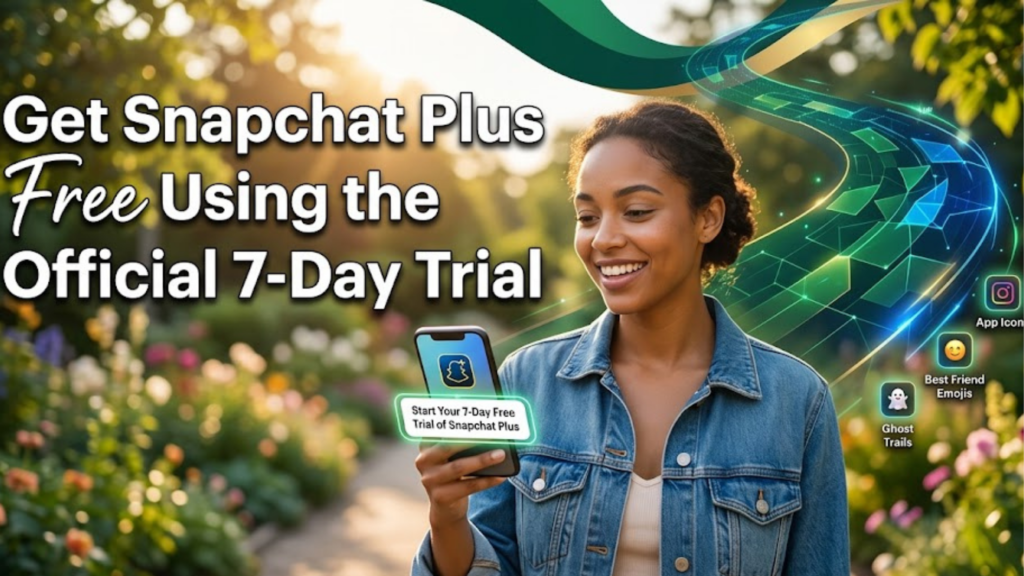
- Start by opening your Snapchat app on either Android or iOS.
- Navigate to your Profile Icon in the top left corner and look for the Snapchat+ banner.
- Once you tap on it, you’ll see the option to “Try for Free,” allowing you to dive into all the exclusive offerings without any initial payment.
- Next, choose your preferred plan either the monthly or the annual subscription.
- After you confirm via the Google Play Store or Apple App Store, you’ll be on your way to exploring the full potential of Snapchat Plus.
Method 2 – Redeem a Snapchat Plus Gift From a Friend
If you’re looking to unlock Snapchat Plus without dipping into your wallet, consider the option of receiving a gift from a friend.
- Ensure that you’ve connected with friends who might already be Snapchat Plus subscribers. They can gift you a subscription, transforming your user experience without any cost.
- To see if you’ve received a gift, go to your Profile Page in Snapchat and tap on Snapchat+.
- Once you’re there, simply select “Gifts Received” and look for any pending gifts.
- If your friend has sent you a Snapchat Plus subscription, just tap “Redeem,” and voila!
Method 3 – Use Snapchat Promo Codes and Network Offers
The platform occasionally collaborates with brands or mobile carriers, providing promotional opportunities that can grant you access to snapchat premium features at no cost.
For instance, specific telecom networks may bundle a Snapchat++ trial with a new plan, allowing users to explore the enhanced functionalities without any financial commitment.
To maximize your chances, regularly check the official Snapchat social media pages and newsletters where they often announce limited-time promotions. Some third-party websites specialize in aggregating current promo codes and offers for mobile apps, making it easier to spot a good deal.
Use Snapchat Web for Free (Desktop Access)
To enjoy free Snapchat Plus, users can take advantage of Snapchat Web. Simply go to web.snapchat.com and log in using your Snapchat credentials.
This platform offers a unique opportunity to access many of the app’s core features right from your desktop.
While you may not get the full experience of Snapchat Plus, engaging in messaging, video calling, or sending snaps is still an exciting way to connect with friends without incurring additional costs.
Top Snapchat Plus Features You Can Use for Free
Unlocking Snapchat Plus features without spending a dime can be enticing for many users.
One savvy method is to take advantage of trial features often offered by Snapchat.
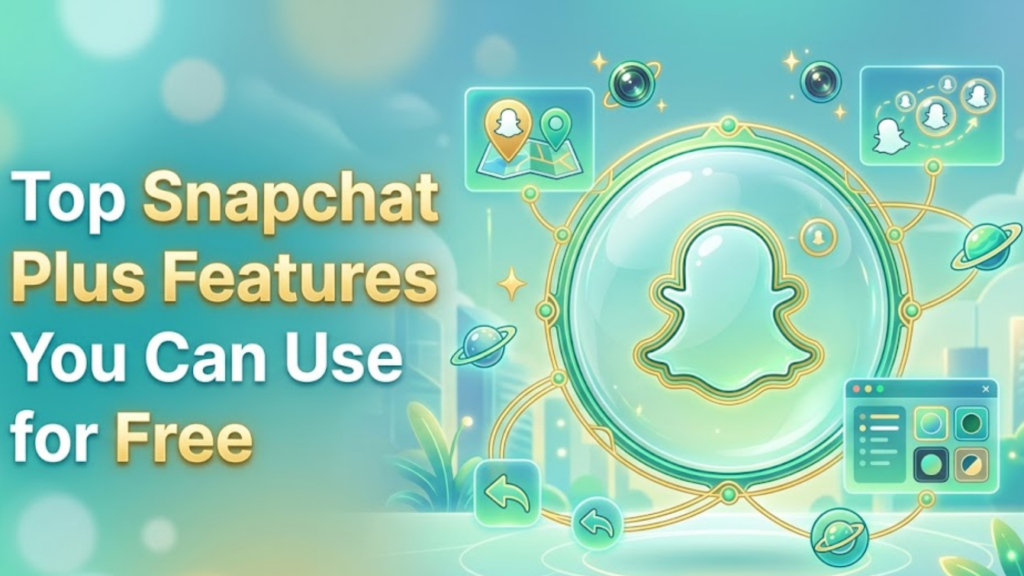
- By keeping an eye on promotions or limited-time offers, you might snag a snapchat plus free trial that allows you to explore standout functionalities, including the Friends Solar System and Snapchat Planets, which creatively visualizes your most interacted friends, further enhancing your engagement.
- Delving into the exclusive features, consider the BFF Pin & Ghost Trails, which allow you to spotlight close friends and trace their movements on the Snap Map.
- The ability to use custom app icons adds a personal touch to your Snapchat experience, while the compact Tiny Snaps and Peek a Peek features make sharing and consuming content faster and more fun.
- And for those who prefer a sleek interface, activating Dark Mode on both Android and iOS enhances visual comfort.
Earn Free Snapchat+ Using Google Play Rewards
If you’re looking to score Snapchat Plus without spending a dime, tapping into Google Play Rewards is your go-to strategy.
- Start by opening the Google Play Store and navigating to Play Points, where you can accumulate points through various activities, from making in-app purchases to completing surveys.
- Once you’ve gathered enough points, redeem them for Google Play Credit, a straightforward way to fuel your subscription without dipping into your wallet.
- Use this credit to subscribe to Snapchat Plus, unlocking exclusive features like custom Stories and enhanced video capabilities.
How to Cancel Snapchat Plus Before the Trial Ends
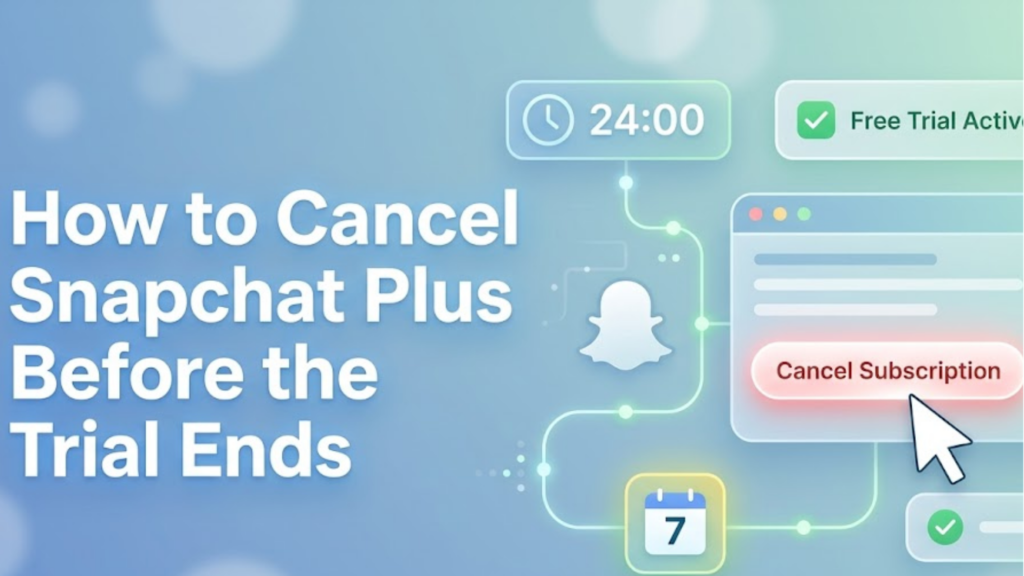
When the trial period ends, you might want to cancel Snapchat Plus to avoid unexpected charges.
If you’re on Android:
- Open the Google Play Store, tap your Profile Icon, and navigate to Payments & Subscriptions. Here, you’ll find Snapchat+
- Select it and choose Cancel Subscription.
For iPhone users:
- Simply head to Settings, click on your Apple ID, and find Subscriptions.
- Select Snapchat+ and tap Cancel Subscription.
Snapchat Free vs. Snapchat Plus – What’s the Difference?
| Feature | Snapchat Free | Snapchat Plus |
| Filters & Lenses | Not Available | Available |
| Ghost Trails | Not Available | Available |
| Story Boost | Not Available | Available |
| Custom App Icons | Not Available | Available |
| Bitmoji Backgrounds | Not Available | Available |
| Price | Free | $3.99/month |
If Snapchat Is Not Working Properly
If you’re looking to enjoy Snapchat Plus without the price tag, first ensure your app is running smoothly. A common hiccup occurs when users encounter glitches that make accessing features difficult.
- To tackle these issues, start by clearing the app cache under Snapchat settings.
- If problems persist, updating the app via the Play Store or App Store is crucial.
- Should all else fail and Snapchat continues to act up, consider reinstalling the app entirely. This can refresh your account’s connection, allowing you to enjoy all features, including Snapchat Plus, without interruption.
- Also, don’t forget to check your internet connection or try switching networks; a stable connection is vital for accessing premium content reliably.
Conclusion
How To Get Snapchat Plus For Free Without Paying? While many are eager to experience the premium features of Snapchat Plus, it’s essential to approach the idea of getting it for free with caution. By utilizing trial offers, promotional activities, and trustworthy methods of earning credits, you can unlock these features without incurring costs.
Always prioritize your safety and security when navigating online tips and tricks, as some unofficial methods might compromise your account. Remember, engaging with the Snapchat community and staying updated on special promotions can also lead to legitimate ways to score Snapchat Plus. Ready to enhance your Snapchat experience? Start exploring these options today!
FAQs
How to get Snapchat+ for Free?
You can access Snapchat+ for free through promotional offers or trial periods provided by Snapchat, but it’s not possible for long-term access without payment.
Can you Give Snapchat Plus for Free?
No, Snapchat+ is a subscription service, and it’s against the platform’s terms to share accounts or access for free.
What is the ✪ on Snapchat?
The ✪ symbol indicates that a user is subscribed to Snapchat+, granting them access to exclusive features and enhancements.
How to not Pay for Snapchat Plus?
To avoid paying for Snapchat+, you can use the free version of Snapchat or look for limited-time promotions offering free trials.