Did you know that Snapchat’s My AI can be customized to reflect your preferences, even down to gender? Understanding how to change the My AI Gender on Snapchat opens up a world where your digital companion feels more aligned with your identity.
Whether you’re navigating the whimsical Snapchat planets or just want to personalize your experience on Snap planets, this guide will equip you with the steps you need. Dive in to learn how to make your AI truly yours!
What Is My Ai Gender On Snapchat?
My AI Gender on Snapchat is a unique feature that lets users customize their AI chatbot, powered by OpenAI’s technology. This virtual assistant can help with everything from answering trivia questions to recommending local pizza joints.
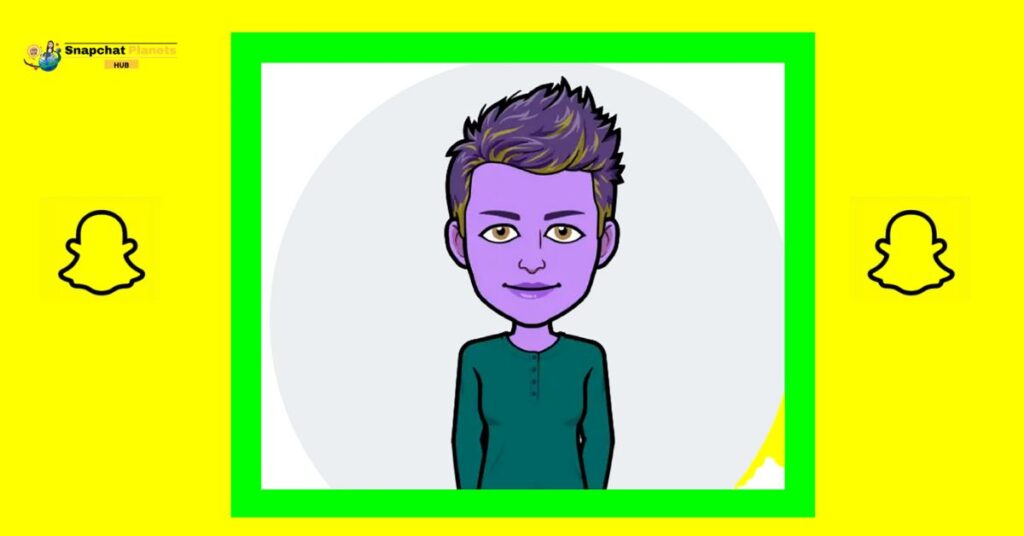
The standout aspect is its customization options, users can change its look, gender, hairstyle, and outfit to reflect their preferences. While the AI’s responses remain consistent, altering its appearance can enhance the personal connection and make interactions feel more engaging.
How To Change My Ai Gender On Snapchat (First Time Setup)
To change the gender of your My AI on Snapchat,
- Open the app and navigate to the Chats tab.
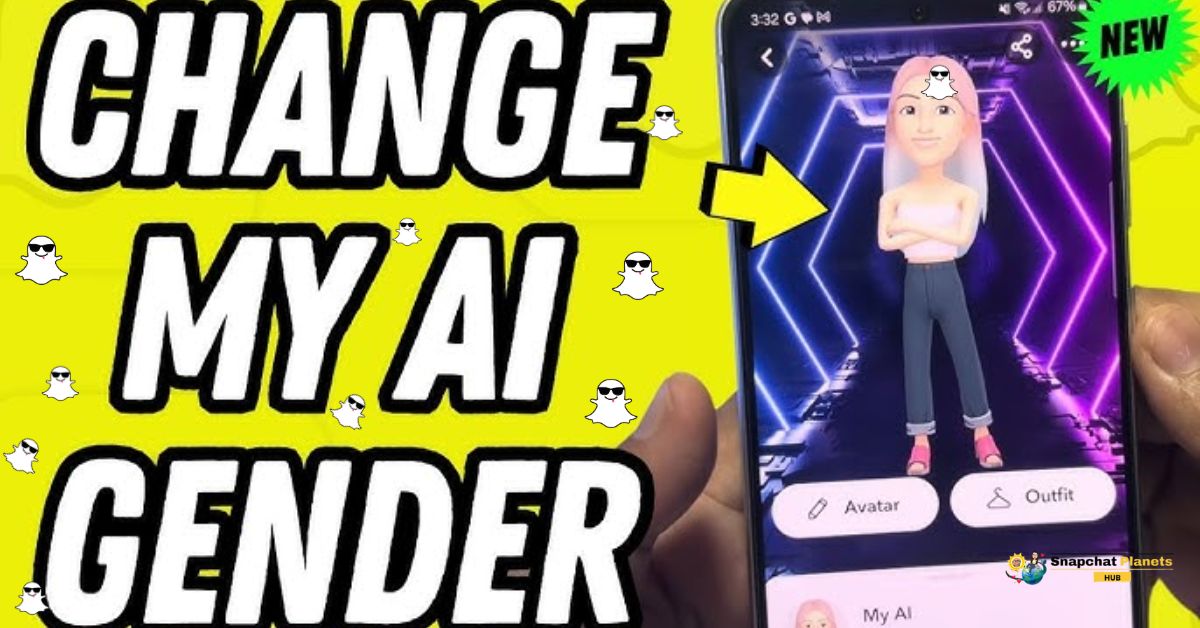
- Tap on the My AI avatar at the top and scroll down to find the “Customize” option.
- Here, you can choose either Male or Female for your AI’s gender.
- Beyond just gender, you have the creative freedom to adjust hairstyle, skin tone, and outfit, making your My AI truly unique to you.
- Once you’re satisfied with your selections, don’t forget to save your changes.
Changing My AI Gender Later (After Initial Setup)
Sometimes, you might find that your My AI just needs a fresh look or a new vibe. Changing its gender or appearance is super easy and can add a fun twist to your interactions.
- Just open the chat.
- Tap the AI avatar, and head over to “Avatar Settings.”
- Where you’ll find all the customization options you need.
- Once you’ve made your selections, hit save, and watch your AI transform instantly.
Customization Tips For My Ai
Changing your My AI’s gender is just the beginning of personalization!
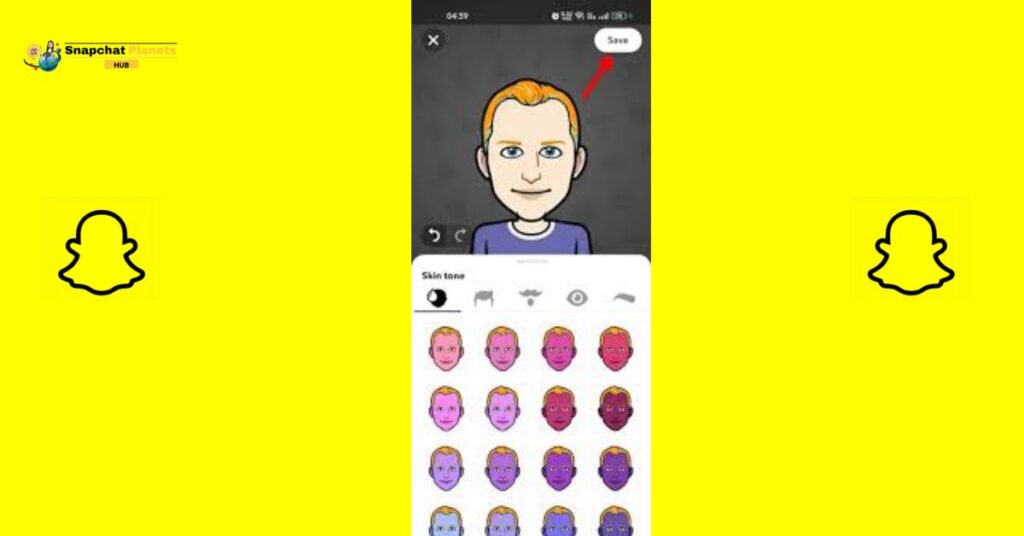
- You can explore a variety of hairstyles and colors, from sleek bobs to playful curly afros, allowing your AI to reflect your unique style.
- Mix and match outfits too, whether you’re feeling casual, formal, or quirky, the wardrobe options are endless.
- Don’t forget to adjust skin tones to create an avatar that truly represents you.
- Saving multiple versions of your My AI is a game changer.
Want a professional look for work and a fun one for casual chats? Now you can switch between them with ease.
Why Customize My AI Gender & Appearance?
Personalizing your AI’s gender and appearance can improve your experience.
- Changing the gender doesn’t affect responses, but an avatar that you like makes chats feel more real and friendly.
- A chatbot that matches your style adds a connection, making conversations more enjoyable.
- Customizing your AI reflects your personal style and boosts creativity.
- Choose a look that’s sleek, professional, quirky, or colorful — it’s up to you.
Conclusion
To change the My AI Gender on Snapchat is a straightforward process that allows you to customize your experience with the app.
By following a few simple steps, you can make your AI more relatable and fun to interact with. It’s important to remember that this feature is designed to enhance your social interactions and make your chats more enjoyable.
So, whenever you feel like switching things up, don’t hesitate to change the My AI Gender on Snapchat! Give it a try today and see how it can improve your conversations!
FAQs
Is there a cost to change My AI’s gender?
No, changing My AI’s gender is free.
What options do I have for My AI’s gender?
You can choose from male, female, or gender-neutral options.
Will changing the gender affect our conversations?
No, changing the gender won’t affect how My AI responds to you.