
Ever found yourself obsessively checking if a friend has been active on Snapchat? The platform’s unique design can sometimes make it tricky to gauge who’s online.
Learning how to tell if someone is active on Snapchat is essential, especially when you’re eager to chat or share something fun.
With concepts like Snapchat planets and Snap planets influencing your connections, you’ll discover simple methods to stay in the loop. By following these straightforward tips, you’ll enhance your social interactions on the app.
How To Tell If Someone Is Active On Snapchat?
Snapchat doesn’t show if someone is online, but you can still find out if they are active.
Snap Maps
To find out if someone is active on Snapchat, the Snap Map feature is your best bet.
- Just open Snapchat and tap on Snap Map.
- You can either zoom in on the map to locate your friend or search for them by name.
- Once you spot their Bitmoji, click on it to see more details, including their last seen status right beside their location.
- This information gives you a clear idea of how recently they were active, allowing you to gauge when is the best time to reach out.
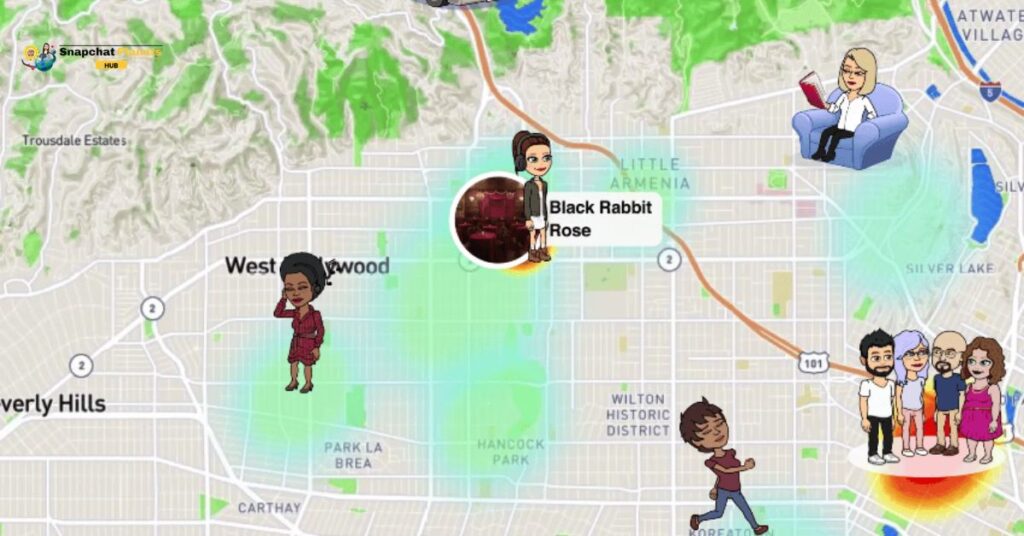
Understanding the Snap Map isn’t just about knowing if someone is online, it also offers an insight into their current vibe.
Message
When you send a message on Snapchat, seeing the Bitmoji icon pop up in the corner signals that the person is currently online.
- Just open the Snapchat app and navigate to the Chats section.
- Start typing a message to your friend, and
- If their Bitmoji appears or a blue dot lights up next to their name, it indicates they’re engaged with the app and your conversation.
Snapscore
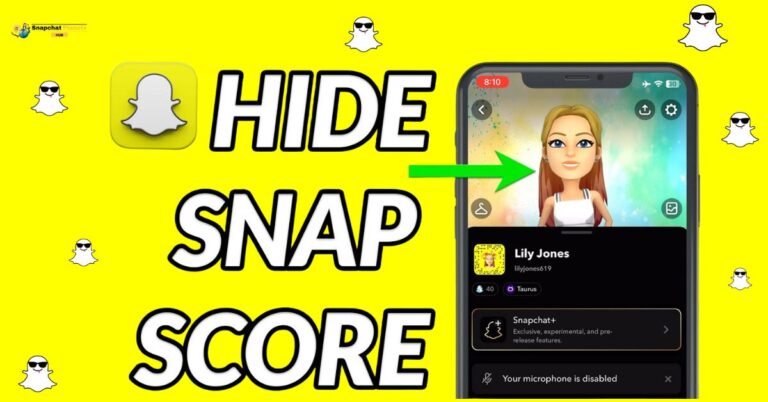
The easiest way to check if someone has been active on Snapchat is by looking at their Snapscore. To do this:
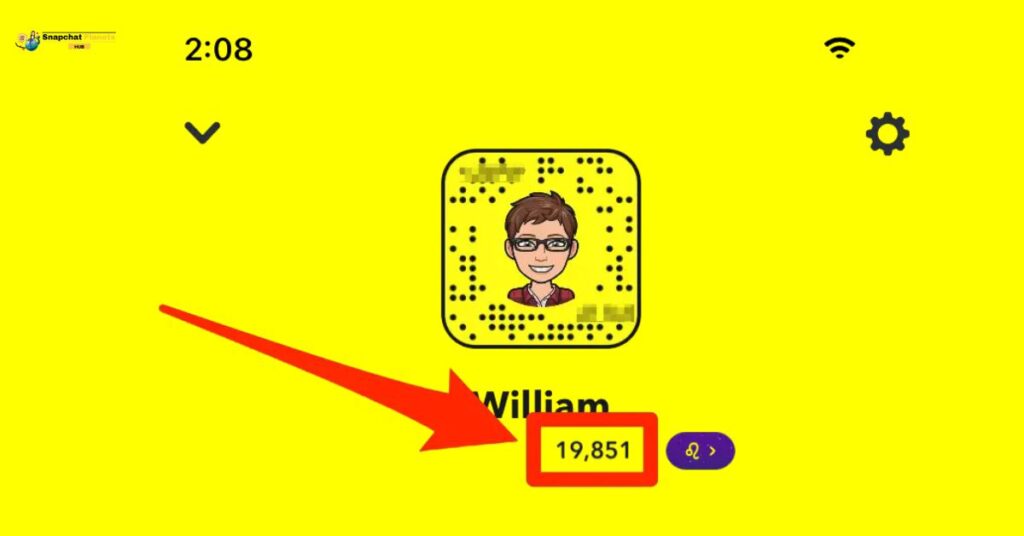
- Open the app and head over to the Chats section.
- Locate your friend’s name and tap on their profile.
- Here, you’ll find a Snapscore displayed next to their birth date and zodiac sign.
- If their score has gone up, it indicates they’ve recently sent or received snaps, signaling their activity on the platform.
Story Posted
To determine if someone is currently using Snapchat, you can easily check their Stories.
- Open the app.
- Select the Stories section.
- Scroll through your friends’ profiles.
- If you notice a purple circle next to someone’s name, it means they’ve shared new content.
- Tapping on their story will show the time it was uploaded, which helps you gauge how recently they’ve been active.
Timestamps On Open Snaps
Another handy clue is the timestamp you see on opened snaps.
- Once you’ve sent a snap.
- Head over to the Chats section and locate the person you sent it to.
- If some time has passed, you’ll see a duration next to “Opened,” indicating how long ago they viewed your message, whether it’s in seconds, minutes, or even hours.
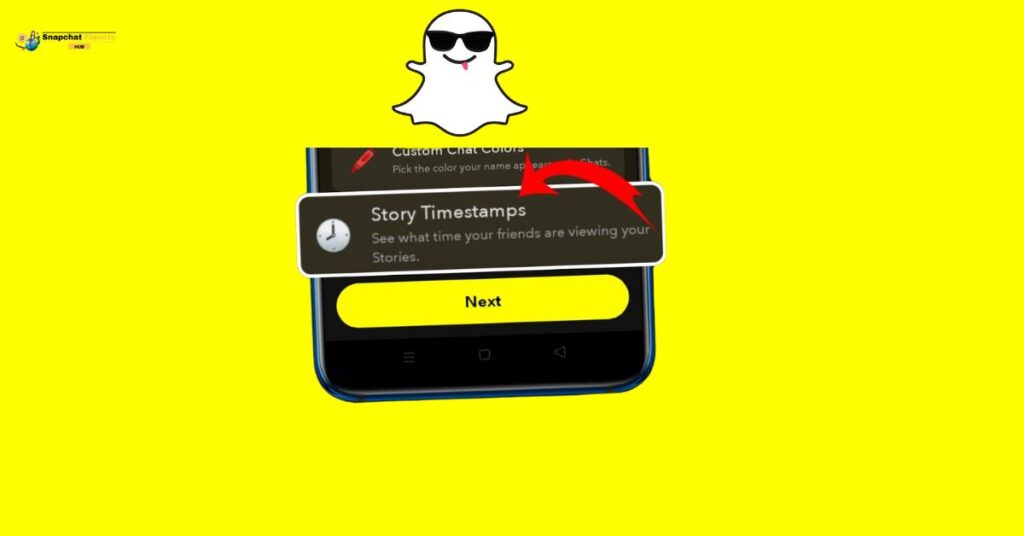
This can give you insights into their activity without directly asking them.
Story Viewed
When you share a story on Snapchat, the list of people who view it can tell you a lot about their activity.
If you spot a friend’s name among the viewers, it indicates they’ve been active on the app, either recently or within the last day.
This can be a great way to gauge not just their engagement but also to spark conversations based on your shared moments.
Method to Turn on Last Seen on Snapchat
To enable the Last Seen feature, also known as the Activity Indicator on Snapchat.
- Start by tapping on your profile icon to access your profile.
- Next, look for the gear icon that leads you to the settings menu.
- Here, scroll down until you find the Privacy Controls section, where you’ll see the option labeled Activity Indicator.
- With a quick toggle to the ON position, you can easily show your friends when you’re active on the platform.
General Tips For Managing Snapchat Active Status
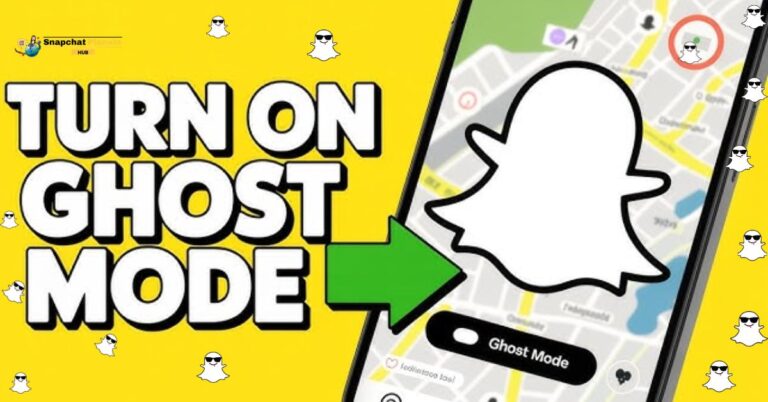
Setting personal boundaries on Snapchat is essential for a stress-free experience. If you value your privacy, consider disabling your “last seen” status and activating Ghost Mode on the Snap Map.
This allows you to explore the app without the constant feeling of being watched by your friends. You can enjoy your snaps and stories at your own pace without the pressure of real-time visibility.
It’s also wise to frequently check and update your privacy settings. Decide who can view your stories, send you snaps, or see your location.
Conclusion
Figuring out how to tell if someone is active on Snapchat doesn’t have to be complicated. Pay attention to when they share new snaps or interact with your messages.
If their Snap score is rising, that’s another good indicator of their activity. Always look for signs like quick responses or recent story posts. Dive into Snapchat and start using these tips to stay connected with your friends!
FAQs
What does a Snap score mean?
A Snap score shows how many snaps someone has sent and received, hinting at their activity.
Can I tell if someone opened my Snap?
Yes, if the color of the arrow next to your Snap turns to purple or red, they have opened it.
What does the “Snapchat Map” do?
The Snapchat Map shows where users are if they have it turned on, indicating if they’re active nearby.