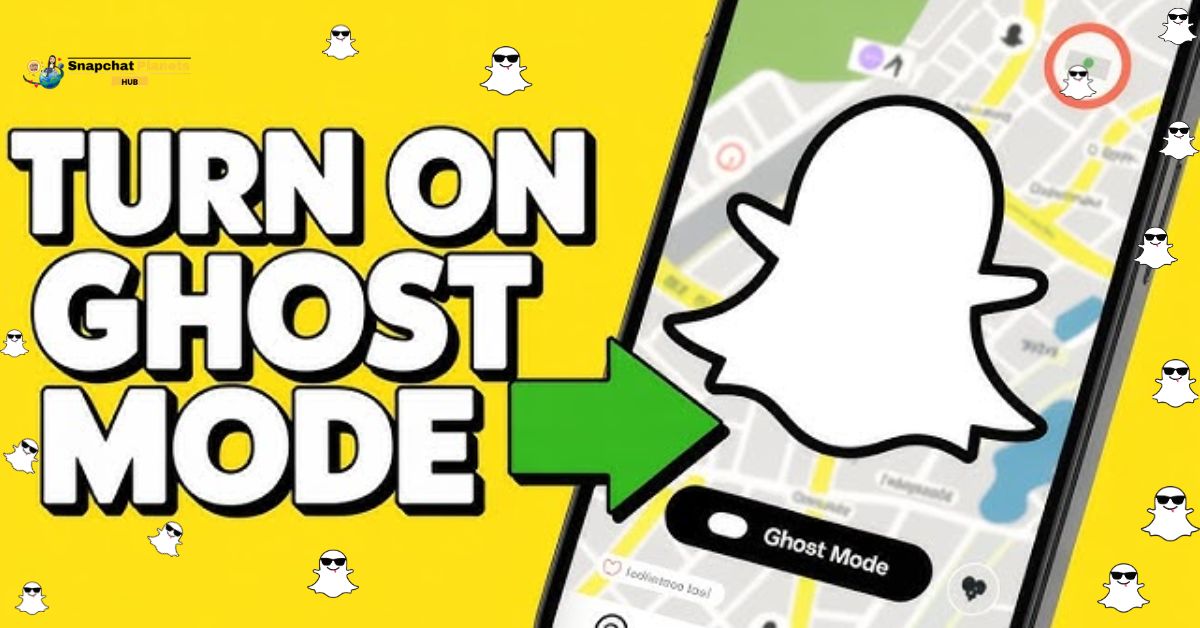
If you’re tired of constantly updating your friends on your GPS coordinates, you’re not alone. Learning how to turn on Ghost Mode on Snapchat is a game changer for those who cherish their privacy.
By using this feature, you can keep your location hidden while still enjoying all the fun elements the app has to offer, like the engaging Snapchat planets. Dive in to see how you can take control of your Snapchat experience without losing any of its charm.
What Is Ghost Mode On Snapchat?
Ghost Mode on Snapchat is a powerful tool that lets you hide your location from others. When activated, it ensures that no one can track your movements or see where you are on Snap Map.
This feature is perfect for those moments when you want some personal space or need to keep your location private. It offers peace of mind, especially in an age where privacy can feel hard to come by.
What makes Ghost Mode even more appealing is its ease of use. You can switch it on or off whenever you choose, allowing for flexibility depending on your needs.
Whether you’re hanging out with friends, commuting, or simply enjoying a quiet day, you have the control to manage who sees your whereabouts.
What Is a Snap Map On Snapchat?
Snap Map on Snapchat transforms your app experience into a dynamic social map, allowing you to share your real-time location with friends. By simply opening the map, users can see where their friends are hanging out and view stories from various places across the globe.
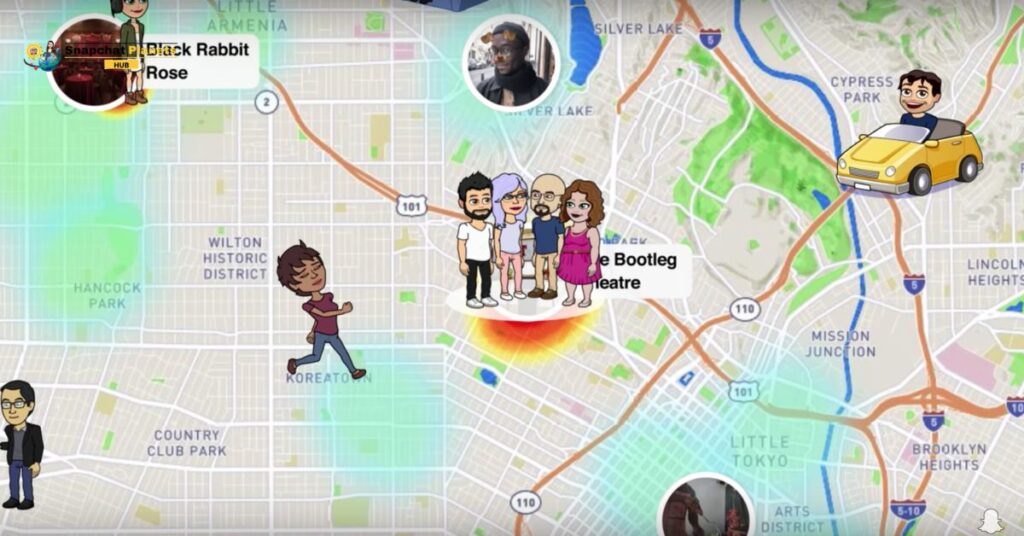
This feature not only reveals who’s nearby but also showcases exciting happenings through colorful location-based stories, making it a fun way to explore new events or catch up with friends without the hassle of texting.
How to Turn On Ghost Mode on Snapchat
Turning on Ghost Mode in Snapchat is a smart move if you’re looking to keep your location private. To activate it:
- Start by tapping on your profile icon in the top left corner of the screen.
- Once you’re in your profile, click on the settings icon, which looks like a gear, located in the top right corner.
- From there, scroll down to find “See My Location.” This section is key for managing who can see Where you are on the Snap Map.
- When you tap on “See My Location,” you’ll see an option for Ghost Mode.
- Simply toggle the switch to activate it.
- Snapchat will then prompt you to choose how long you want Ghost Mode to remain active, options include 3 hours, 24 hours, or until you decide to turn it off.
This means you can maintain your privacy temporarily or for a longer period, depending on your needs.
How To Change Location Access For Snapchat
Changing location access for Snapchat is a straightforward process that lets you take control of your privacy.
- Start by heading to the settings on your smartphone.
- Once there, scroll down to find either “My Apps” or “Apps” depending on your device.
- In this list, you’ll locate Snapchat; a tap on it will open up various options.
- Next, navigate to the Permissions section, where you’ll see the Location Permission setting.
- If you want to disable location tracking, simply turn it off.
This allows you to enjoy Snapchat without sharing your exact whereabouts. Remember, you can always re-enable this setting if you want to use location features like Snap Map in the future, ensuring you can customize your experience anytime.
Key Benefits Of Using Ghost Mode
Ghost Mode gives you privacy control over your location. You can choose who sees where you are, whether it’s friends or family, without sharing it with everyone. This helps you keep your personal space in a time when privacy is hard to find.
Another big benefit is that it doesn’t send automatic updates. In a world full of notifications, Ghost Mode lets you enjoy your time without interruptions. This feature helps you feel free and improves your mental well-being by allowing real connections without pressure.
Using Ghost Mode gives you peace of mind, so you can go about your daily life without stress from being watched.
Conclusion
Turning on Ghost Mode on Snapchat is a simple yet effective way to protect your privacy. As discussed, this setting lets you keep your location hidden from others, offering peace of mind while using the app.
It’s easy to activate once you know how to turn on Ghost Mode on Snapchat, and it’s worth taking the time to set it up.
With just a few taps, you can enjoy Snapchat without worrying about who can see where you are. Go ahead and give it a try for a safer experience!
FAQs
Can I turn on Ghost Mode for a specific time?
Yes, you can set Ghost Mode to last for a few hours or until you turn it off.
Will my friends know when I turn on Ghost Mode?
No, your friends won’t get a notification when you switch to Ghost Mode.
Can I still see my friends’ locations while in Ghost Mode?
Yes, you can still view your friends’ locations even when you’re in Ghost Mode.