Staying connected has never been easier, and Snapchat live location is leading the charge. This exciting element of the app lets you pinpoint your friends in real-time, while Snap planets adds a twist of fun to the experience.
No more missed meetups or guessing games, this feature keeps you in the loop. Uncover how Snapchat planets are transforming your social life, making every moment shared that much more special.
What Is Snapchat Live Location?
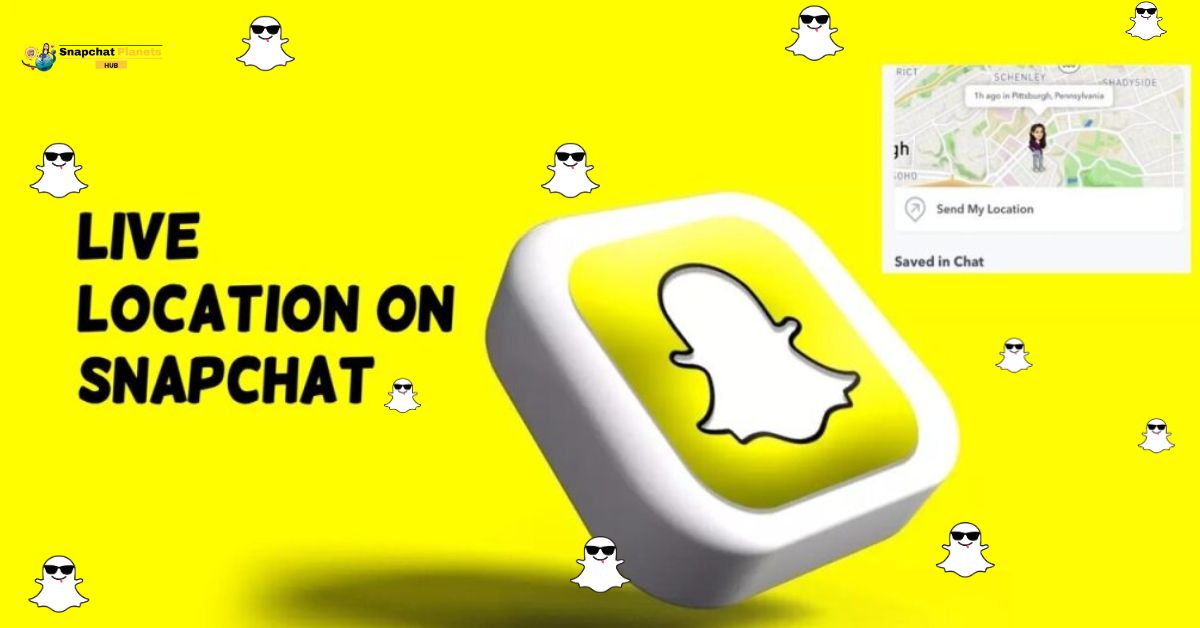
Snapchat Live Location is a feature that allows users to share their real-time whereabouts with friends and family, making it an invaluable tool for ensuring safety during travel or coordinating meetups.
You have the flexibility to share your location for durations of one hour, eight hours, or indefinitely, even if you’re not actively using the app.
This feature is especially handy in emergency situations when you want loved ones to know where you are without sending multiple messages.
How Snapchat Live Location Works
Snapchat Live Location offers a unique way to share your whereabouts in real-time, setting it apart from traditional location sharing that only updates when you open the app.
- Unlike regular location sharing, it keeps updating even if you close the app or lock your phone.
- Your Bitmoji moves on the Snap Map while sharing your location.
- You can choose how long to share your location: one hour, eight hours, or until you stop.
- You control who sees your location for privacy and safety.
How to Share Your Live Location
Sharing your live location is a fantastic way to keep your friends updated and ensure a smooth meetup.
- Open Chat: Go to your Chat list and select the friend you want to share your location with.
- Find Snap Map: In the chat, look for the Snap Map icon near their Bitmoji.
- Share Location: Tap the Snap Map icon and select “Share My Live Location.”
Choose Duration:
- 1 Hour: Good for quick meetups.
- 8 Hours: Best for day trips.
- Until Turned Off: Share for an extended outing or as long as you need.
Stay Connected: This helps friends know where to find each other easily.
Important Things To Know
When you use Live Location, it turns off Ghost Mode. This means your friends can see where you are, even if you usually keep it private. This can affect how you meet up with friends, especially in busy places.
If you choose to stop sharing your location, your friends won’t get a notice. They’ll just notice your Bitmoji is gone from the map, allowing you to leave quietly.
Remember that using Live Location can use up your battery faster because it uses GPS all the time. If you’re out for a long time, check your battery level so you don’t run out of power when you need it.
Overall, Live Location helps you stay connected, but consider these points to use it wisely.
When To Use Live Location
Sharing your live location can make daily interactions smoother and safer.
- At a busy concert, you can share your location with friends so you can find each other easily.
- This is especially helpful in crowded places, reducing frustration.
- When traveling at night, letting family track your route gives everyone peace of mind.
- Live location also adds fun to road trips. Sharing your journey with friends helps everyone feel more connected, even from afar.
- For dating, sharing your location with a trusted friend is a smart safety move. Use this feature wisely to enhance your experiences while staying safe.
How To Turn Off Live Location
Turning off your Live Location is a quick yet empowering choice, especially when you want a break from the constant visibility. Once you’ve made the decision to keep your whereabouts private,
- Start by opening your Profile.
- Tap on Snap Map, and you’ll find yourself at the crossroads of privacy and sharing.
- Hitting “Stop Sharing” instantly removes your location from friends’ maps, giving you control over your personal space.
Privacy And Safety Tips
Sharing your Live Location on Snapchat can be convenient, but it’s crucial to prioritize your privacy and safety.
- Only share your location with people you truly trust to minimize risks.
- Opt for limited durations when sharing this way, you maintain control and keep your whereabouts private for only a short time.
- Always turn off Live Location when it’s no longer needed, as it continues to track you even if the app isn’t open.
Conclusion
Snapchat live location is a fantastic way to stay in touch with friends and family, especially when you’re on the go.
This feature allows real-time sharing of your location, making it easier to coordinate plans or ensure safety during a journey. You can choose how long to share your spot, which is perfect for different situations.
Think of it as a way to understand your own space in the Snapchat solar system, helping you navigate both your relationships and physical environment. Give it a try and see how it can help you stay connected and secure!
FAQs
Can I turn off Live Location?
Yes, you can turn it off anytime in your Snap Map settings.
Who can see my Live Location?
Only friends you choose can see your Live Location if you share it.
Will my friends know when I’ve stopped sharing?
No, friends won’t get a notification if you stop sharing your Live Location.
Is my location shared with Snapchat?
Yes, but Snapchat only uses this info to help you connect with friends on the map.