Staying connected has never been easier, and Snapchat live location is leading the charge. This exciting element of the app lets you pinpoint your friends in real-time, while Snap planets adds a twist of fun to the experience.
No more missed meetups or guessing games, this feature keeps you in the loop. Uncover how Snapchat planets are transforming your social life, making every moment shared that much more special.
What Is Snapchat Live Location?
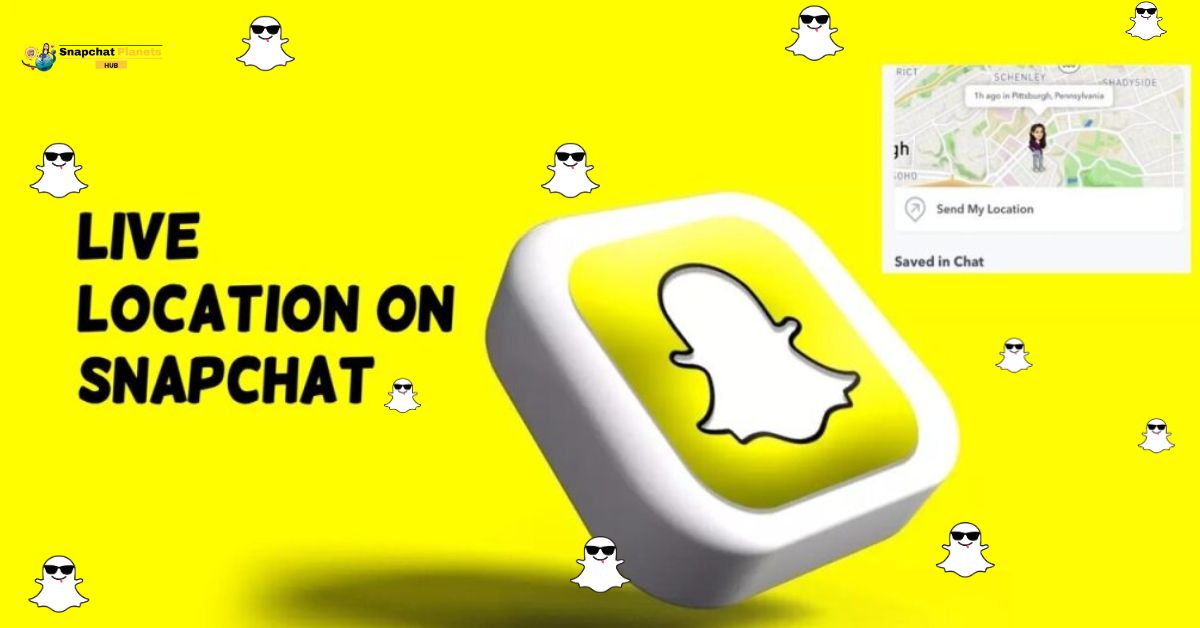
Snapchat Live Location is a dynamic feature that offers users a real-time glimpse into where their friends are at any given moment. By opting in, you can share your location with selected friends, adding a layer of immediacy to your social interactions.
It is the blend of spontaneity and safety it fosters; users can arrange meet-ups with ease or keep track of friends during events without the hassle of constant texting.
How Does Snapchat Location Work
Snapchat Live Location offers a unique way to share your whereabouts in real-time, setting it apart from traditional location sharing that only updates when you open the app.
- Unlike regular location sharing, it keeps updating even if you close the app or lock your phone.
- Your Bitmoji moves on the Snap Map while sharing your location.
- You can choose how long to share your location: one hour, eight hours, or until you stop.
- You control who sees your location for privacy and safety.
How to Share Your Live Location
Sharing your live location is a fantastic way to keep your friends updated and ensure a smooth meetup.
- Open Chat: Go to your Chat list and select the friend you want to share your location with.
- Find Snap Map: In the chat, look for the Snap Map icon near their Bitmoji.
- Share Location: Tap the Snap Map icon and select “Share My Live Location.”
Choose Duration:
- 1 Hour: Good for quick meetups.
- 8 Hours: Best for day trips.
- Until Turned Off: Share for an extended outing or as long as you need.
Stay Connected: This helps friends know where to find each other easily.
Important Things To Know
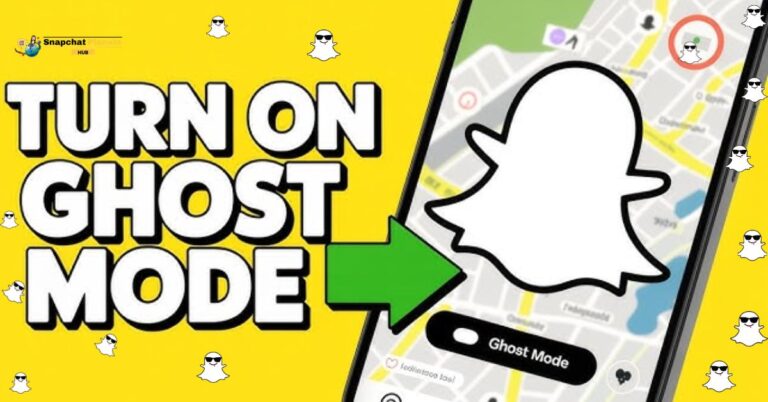
When you use live location snapchat, it turns off Ghost Mode. This means your friends can see where you are, even if you usually keep it private. This can affect how you meet up with friends, especially in busy places.
If you choose to stop sharing your location, your friends won’t get a notice. They’ll just notice your Bitmoji is gone from the map, allowing you to leave quietly.
Remember that using Live Location can use up your battery faster because it uses GPS all the time. If you’re out for a long time, check your battery level so you don’t run out of power when you need it.
Overall, Live Location helps you stay connected, but consider these points to use it wisely.
When To Use Live Location
Sharing your live location can make daily interactions smoother and safer.
- At a busy concert, you can share your location with friends so you can find each other easily.
- This is especially helpful in crowded places, reducing frustration.
- When traveling at night, letting family track your route gives everyone peace of mind.
- Live location also adds fun to road trips. Sharing your journey with friends helps everyone feel more connected, even from afar.
- For dating, sharing your location with a trusted friend is a smart safety move. Use this feature wisely to enhance your experiences while staying safe.
How To Turn Off Live Location
Turning off your Live Location is a quick yet empowering choice, especially when you want a break from the constant visibility. Once you’ve made the decision to keep your whereabouts private,
- Start by opening your Profile.
- Tap on Snap Map, and you’ll find yourself at the crossroads of privacy and sharing.
- Hitting “Stop Sharing” instantly removes your location from friends’ maps, giving you control over your personal space.
Privacy And Safety Tips
Sharing your Live Location on Snapchat can be convenient, but it’s crucial to prioritize your privacy and safety.
- Only share your location with people you truly trust to minimize risks.
- Opt for limited durations when sharing this way, you maintain control and keep your whereabouts private for only a short time.
- Always turn off Live Location when it’s no longer needed, as it continues to track you even if the app isn’t open.
Read more: Easy Ways to Check Birthdays on Snapchat
Conclusion
Snapchat Live Location feature brings a new level of connectivity and interaction to users, allowing friends and family to share their whereabouts in real time. This feature not only enhances communication but also offers a sense of security for those who choose to use it.
But it’s crucial to balance the benefits of staying connected with concerns about privacy and safety. Users should be mindful of how and when they share their locations, ensuring that they are comfortable with their friends and followers having access to this information. Overall, Snapchat Live Location can enrich social experiences if used responsibly, so consider exploring its features while prioritizing your safety.
FAQs
Can Snapchat Show Live Location?
Yes, Snapchat can show live location, but only if you share it with friends and they have agreed to share their own location.
Does Snapchat live Location mean They’re on their Phone?
Not necessarily. Live location updates can occur while the app is active, but users can choose to stop sharing without closing the app.
How Often does the Live Location Update on Snapchat?
Live location updates every few seconds, depending on the network and device settings, as long as the user is actively sharing their location.
How do I Turn on Live Location on Snap?
To enable live location, go to the Snap Map, tap on the settings icon, select “Share My Location,” and choose who to share with.